








Generator
History
AI Floor Plan Generator
Change Tool
Model
Base
Switch
Rooms
BedRoom
-
2
+
BathRoom
-
1
+
Kitchen
open
closed
Gross Area
Unit metric
 imperial
metric imperialArea
< 50㎡
50-80㎡
80-100㎡
100-120㎡
120-150㎡
> 150㎡
Extras
walk-in closet
laundry room
storage room
utility room
home office
garage
pantry
combined living-dining
balcon

Unlock Your Dream Space: AI-Powered House Plan Drawing in Seconds
Transform your vision into professional-grade house plan drawing with Ideal House's AI Floor Plan Generator. Quickly create detailed 2D floor plans, perfect for residential blueprints, custom home plans, and property layout. Say goodbye to complex drafting software and hello to intuitive home plan design. Our smart tool helps you visualize your ideal living space, making architectural drawings accessible to everyone.
Generate My Floor Plan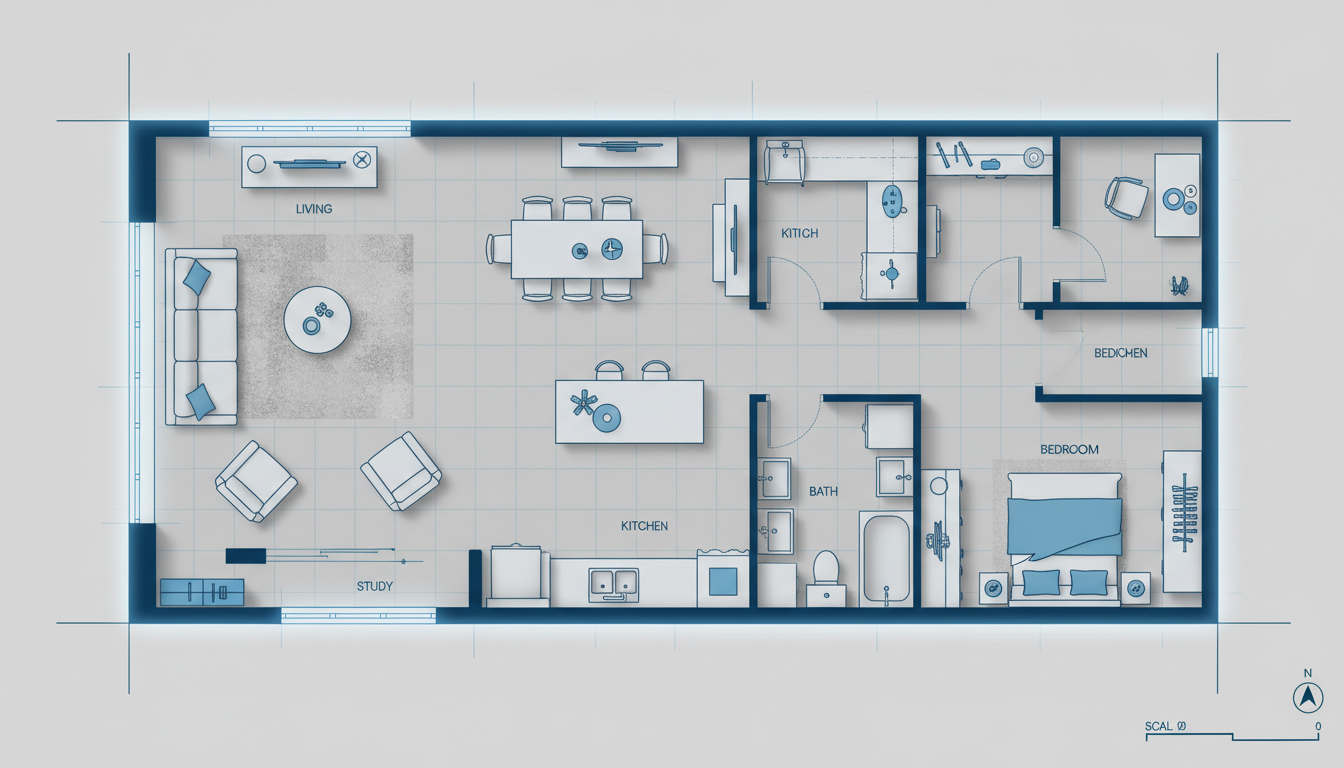


Experience the Ideal House Advantage: Smarter House Plan Drawing
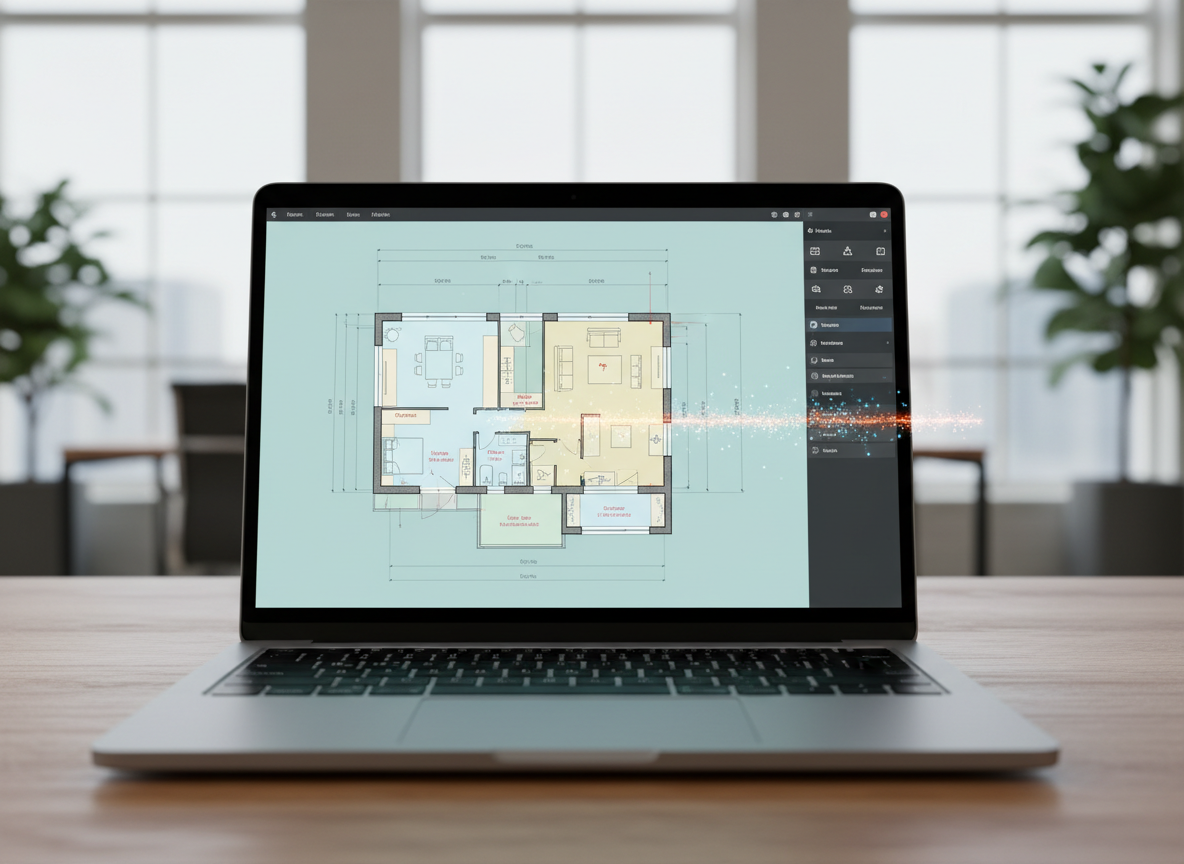
Instant 2D Plan Generation
Gone are the days of manual drafting. Our AI floor plan app converts your specifications into a comprehensive house plan drawing in mere seconds. Define bedrooms, bathrooms, and kitchen style, and watch as your residential blueprints come to life. It’s the fastest way to get a professional layout design.

Precision with Parameter-Driven Design
From small house plans to expansive custom home plans, control every detail of your house plan drawing. Specify gross area, and add essential extras like a walk-in closet or home office. Our blueprint maker ensures your spatial planning is precise and tailored to your needs, providing accurate architectural layouts.
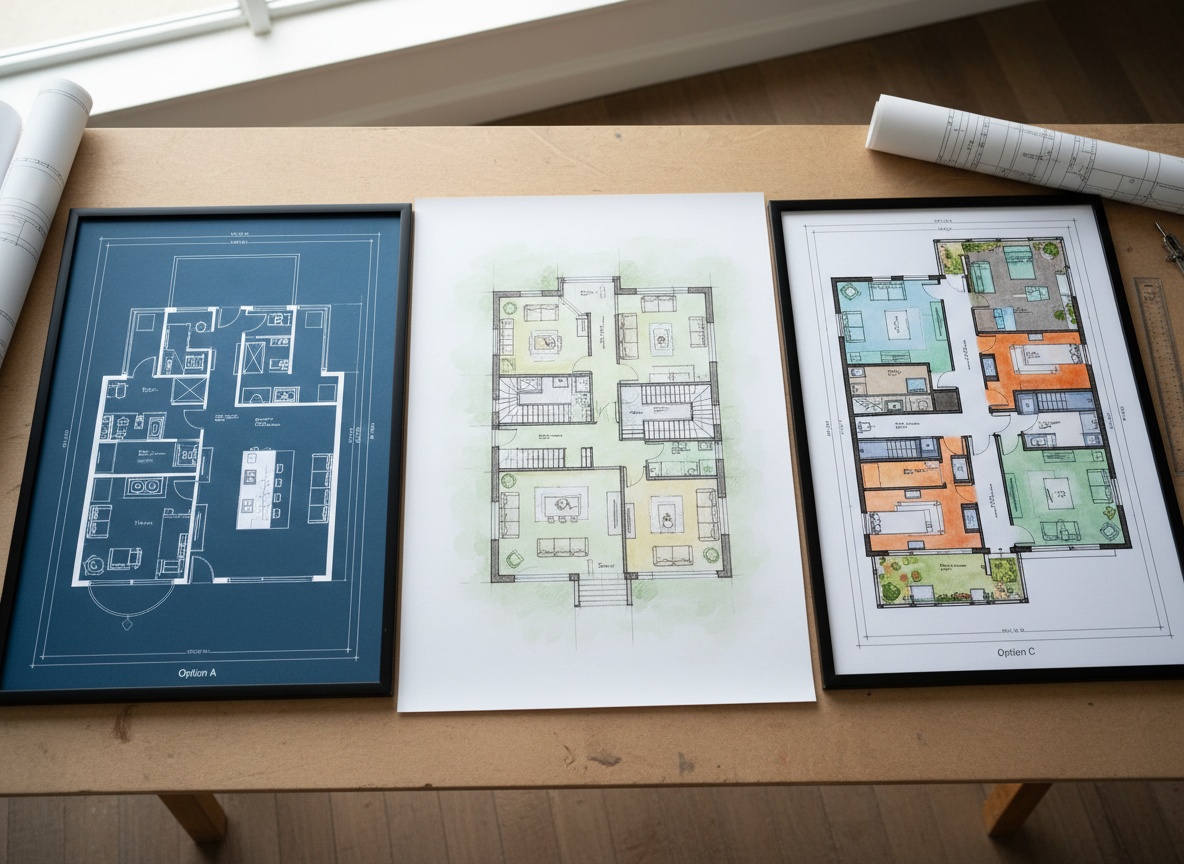
Visualize and Iterate with Ease
Explore countless home plan design possibilities. The Ideal House AI Floor Plan Generator allows you to quickly adjust parameters and generate new versions, perfect for comparing different property layout concepts. This room planner functionality saves time and enhances client conversations, turning abstract ideas into tangible architectural drawings.
Optimized for Listings & Client Presentations
Create clear, presentation-ready house plan drawing visuals that impress. Our tool is perfect for real estate professionals needing quick, consistent 2D plans for listings, and designers showcasing custom home plans. Elevate your listings and discussions with professional-quality building plans, without the need for complex drafting software.

Who Benefits from Ideal House Plan Drawing?

Homeowners & DIY Enthusiasts looking for intuitive home plan design.

Real Estate Professionals needing quick, compelling residential blueprints for listings.

Interior Designers & Contractors developing custom home plans and client presentations.

Your Guide to Effortless House Plan Drawing
1
**Set Your Core Rooms:** Choose the number of bedrooms (0-4) and bathrooms (1-3) to establish the basic structure for your house plan drawing.
2
**Define Kitchen Style & Gross Area:** Select an open or closed kitchen layout and specify a gross area range for realistic spatial planning.
3
**Add Essential Extras:** Incorporate features like a walk-in closet, laundry room, or home office to refine your property layout and create truly custom home plans.
4
**Generate & Refine Your Blueprint:** Click 'Generate' to instantly receive your 2D plan. Use the history feature to compare and iterate until you have the perfect architectural drawing.
5
**Download & Share Your Design:** Export your final house blueprint as an image or PDF, ready for sharing with clients, contractors, or for your next listing.
Common Questions About House Plan Drawing with AI
How does AI create my house plan drawing from simple inputs?
Our AI floor plan generator analyzes your selections—bedrooms, baths, kitchen type, gross area, and extras—and applies architectural principles and spatial planning rules to quickly draft a coherent 2D plan. Each click provides a new, unique layout design.
Can I customize the kitchen style for my house blueprint?
Absolutely. You can choose between an open or closed kitchen layout. An open kitchen promotes a continuous living space, while a closed kitchen defines a separate cooking zone within your house plan drawing.
What impact do 'Extras' have on the final floor layout creator?
Extras like a walk-in closet, home office, or garage guide the AI floor plan maker to prioritize and strategically place these spaces within your house plan drawing, influencing the overall property layout and functionality.
Is Ideal House suitable for generating small house plans?
Yes, our tool is highly versatile. You can specify smaller gross area ranges and fewer rooms, making it ideal for generating efficient and functional small house plans or apartment floor plans tailored to compact living.
How can I compare different versions of my home plan design?
Every generation is saved in your 'Generation History.' You can easily review and compare multiple house plan drawing versions side-by-side using the built-in filtering and display options, helping you choose the best layout design.
Enhance Your Design Projects with Ideal House Tools
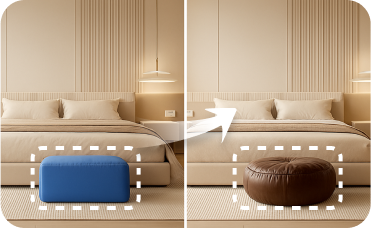
Smart Replacer
Digitally remove old furniture or change flooring and wall colors before staging.
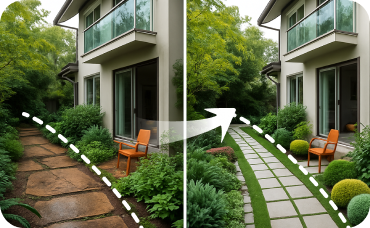
Landscaping
Extend your design vision to the outdoors by remodeling your home's curb appeal, patio, or garden.
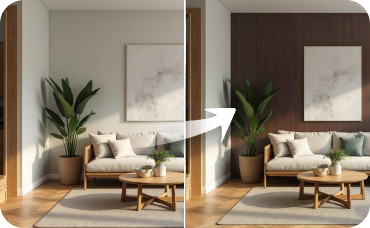
Room Visualizer
Take the design inside and reimagine your interiors with new furniture, paint, and layouts.
Ready to Design Your Space?
Start creating professional house plan drawing today with Ideal House's AI Floor Plan Generator. Fast, intuitive, and precise – your next dream layout is just a few clicks away.
Generate My Floor Plan
💰 Earn 10% commission as a Ideal House Affiliate Partner.
Join us